Scanning in a family archive
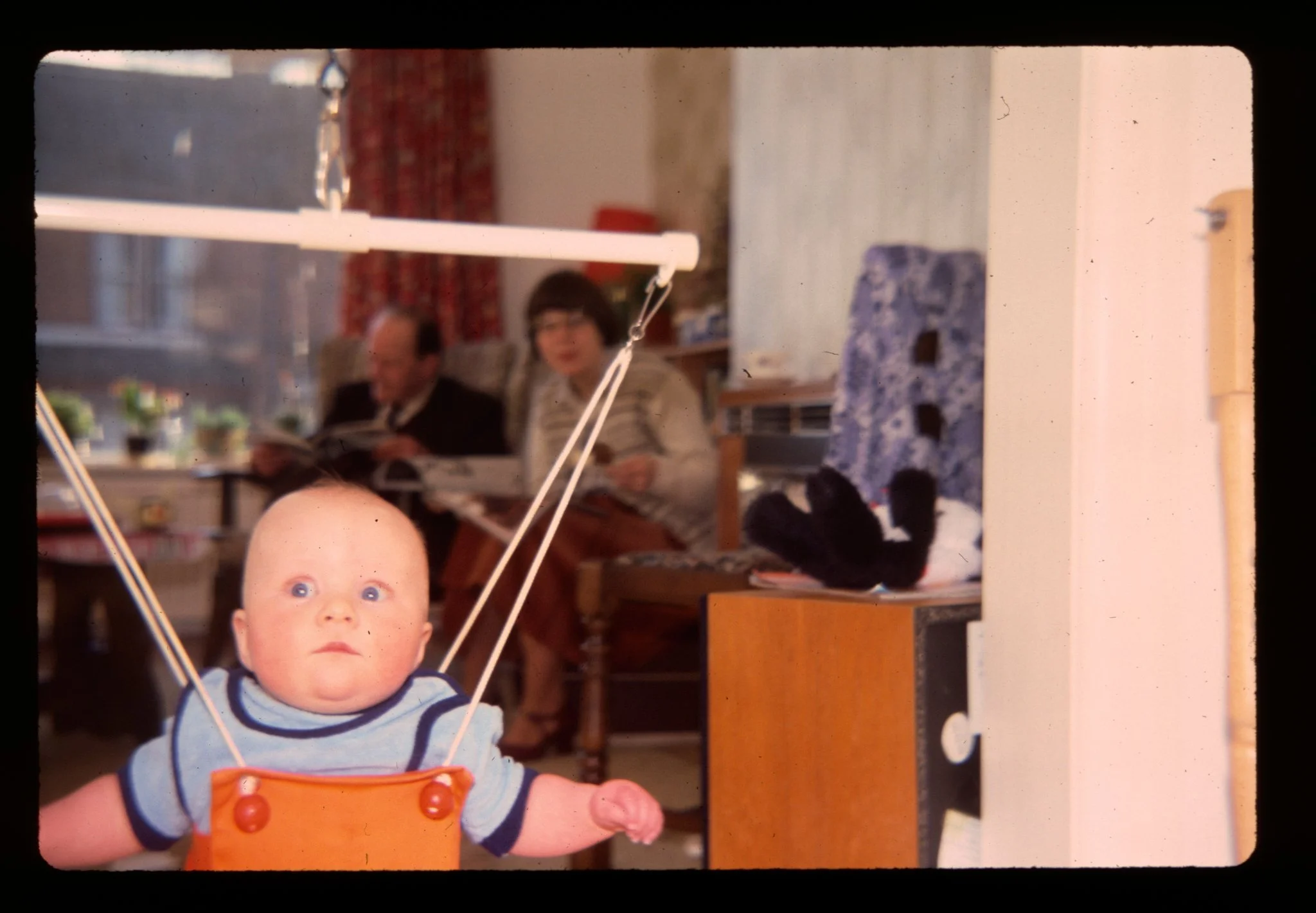
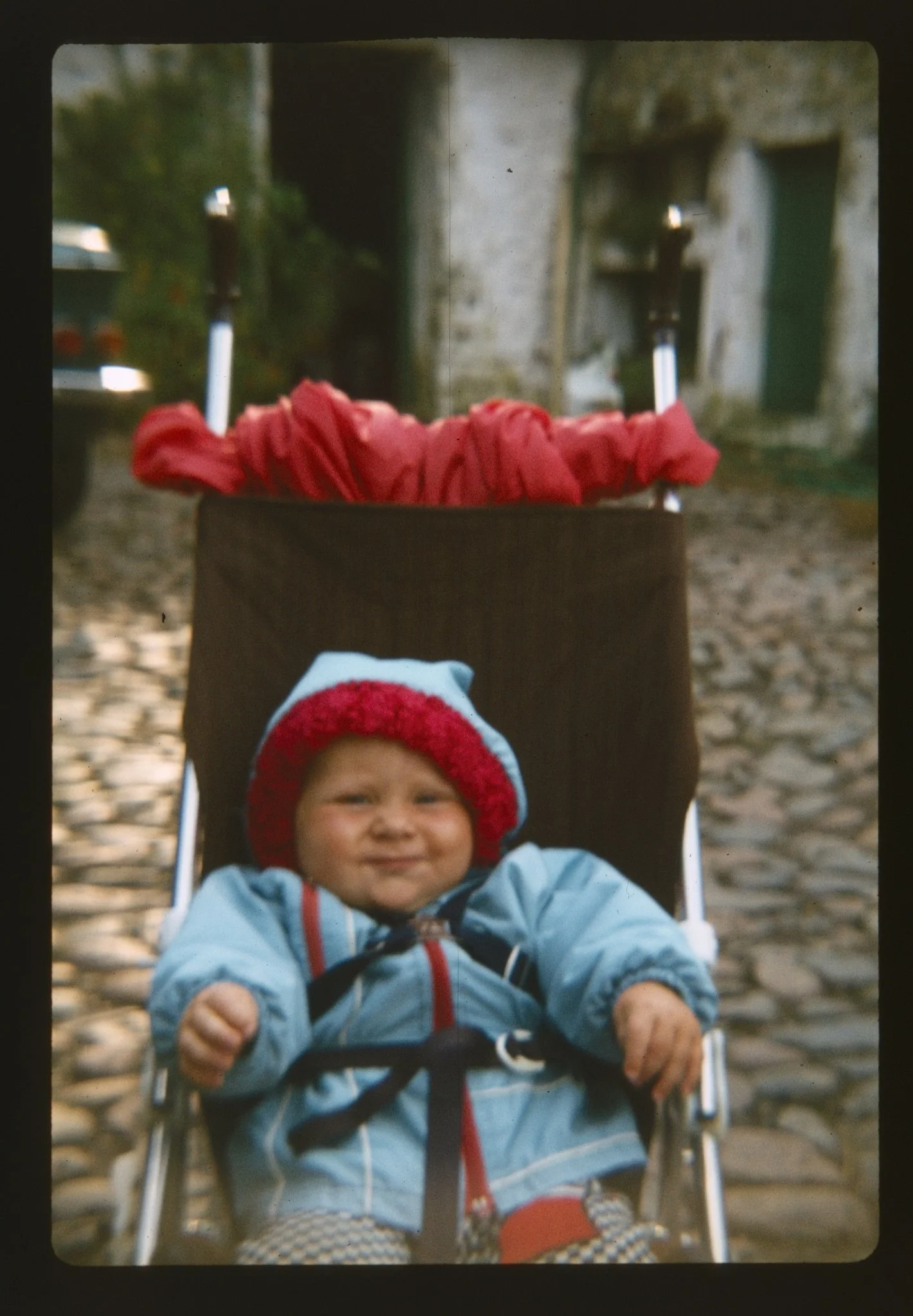
A wee babby on a doorframe bouncer - Kodachrome slide
I’ve finally pulled my finger out and gotten a slide and film scanner that I’ve been banging on about for years, after which my wife rolls her eyes and nods patiently. But I finally did it!
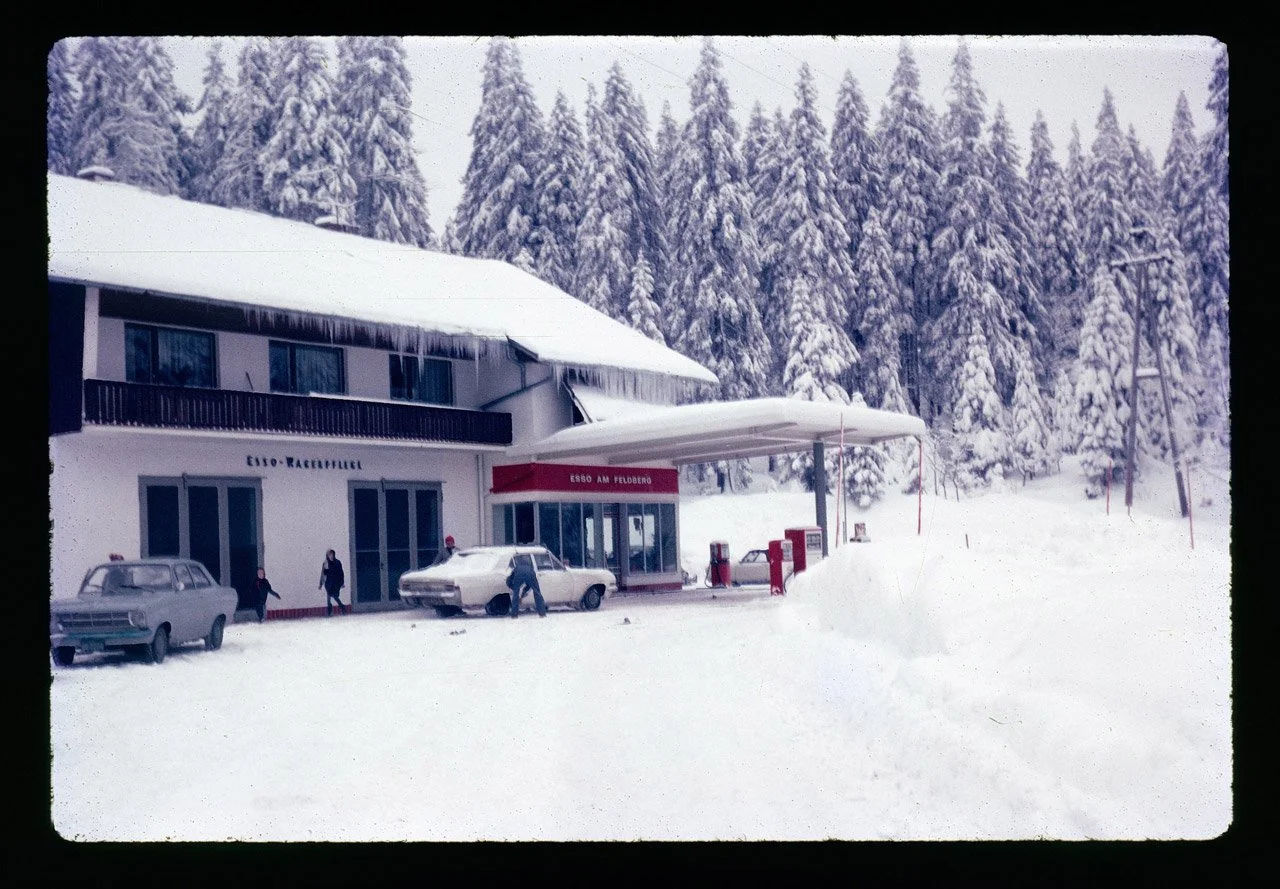
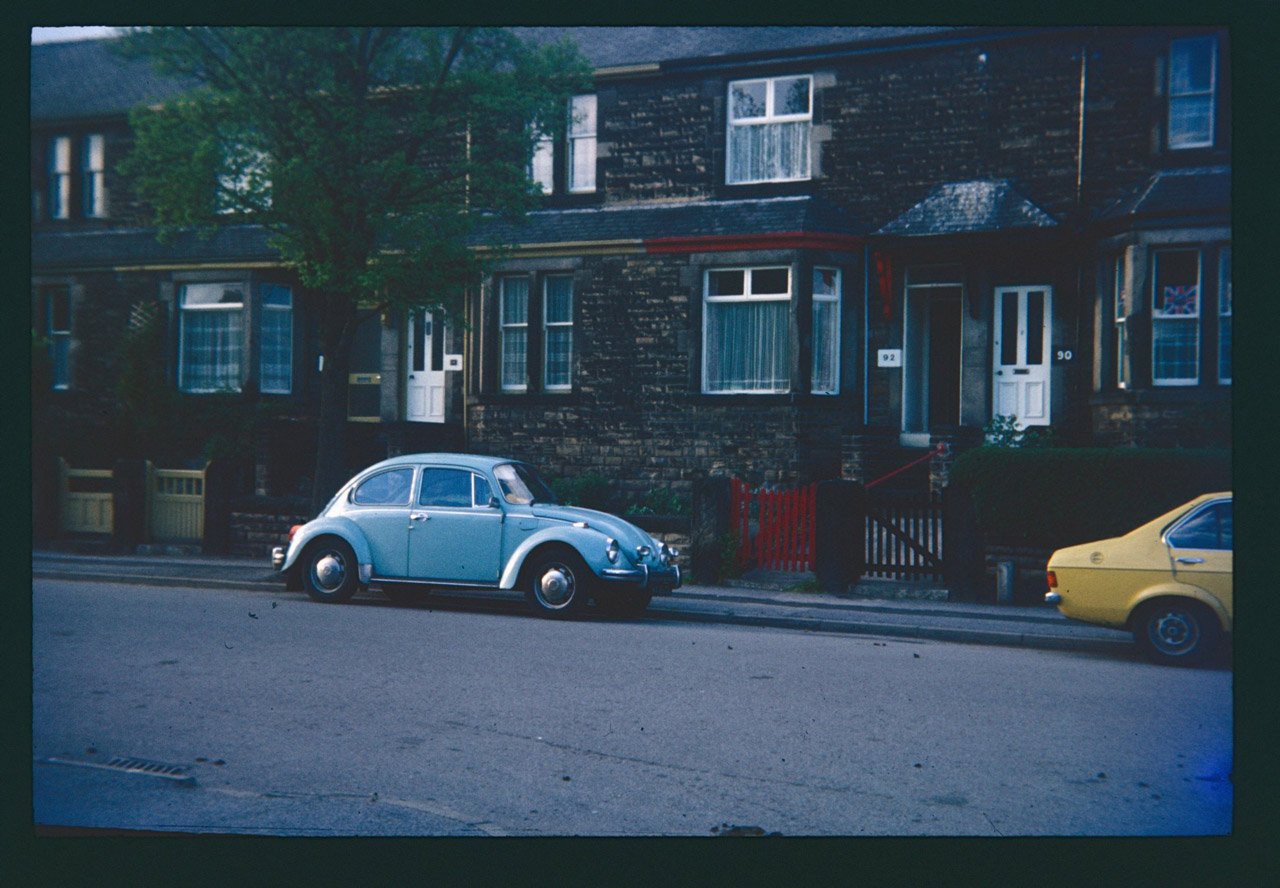
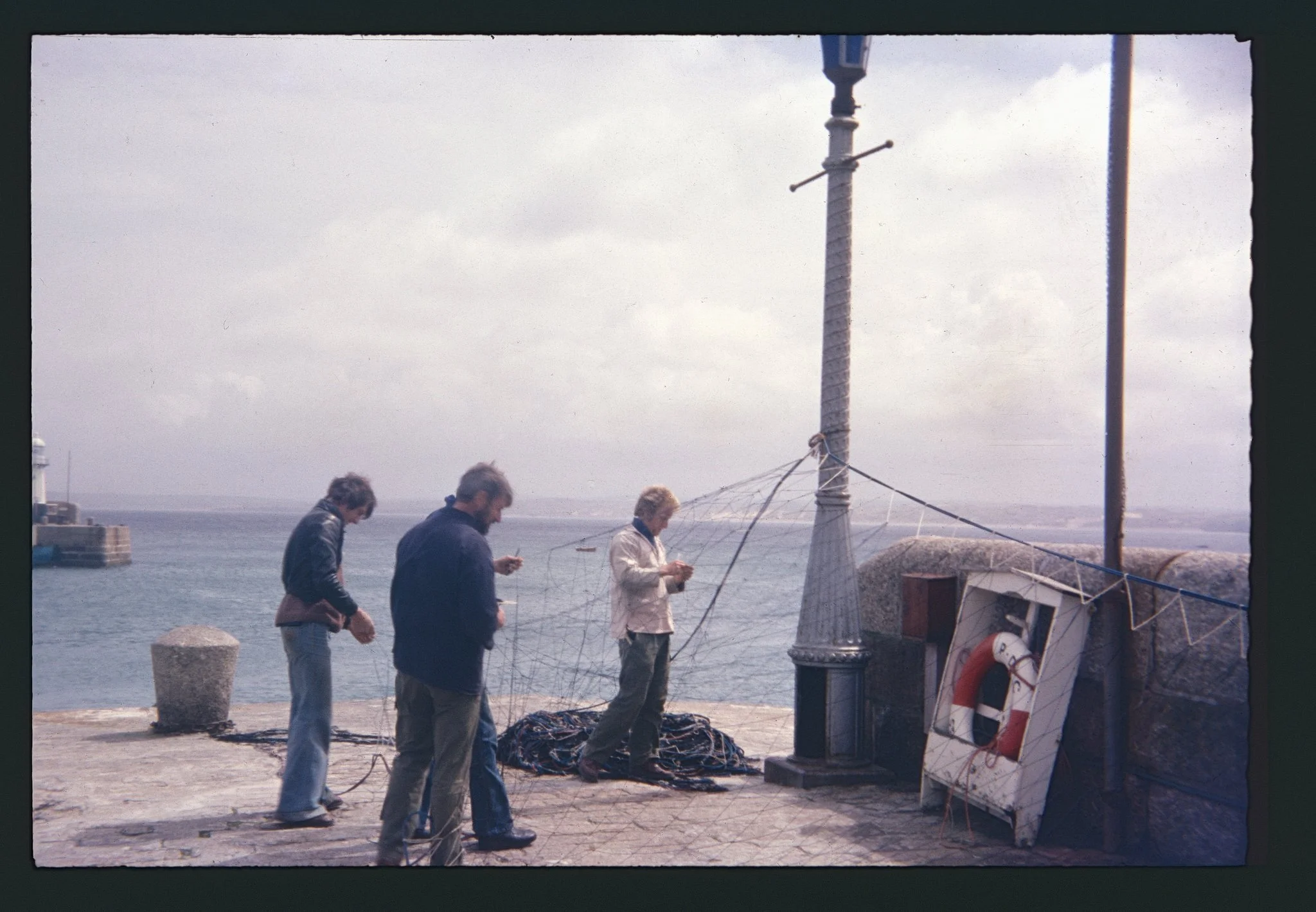
Over the Christmas break I fished out the Kodak and Boots boxes that I kept after we cleared my parents house before we sold it. There’s a surprising amount of images I’d forgotten about, either because I’d not seen them in the best part of forty years or we never saw them in the first place but heard about the things that were documented on them.
I want to start to tackle the large amount of slides, film and paper prints I’ve gotten, plus the lumps of other ephemera that came with them (letters, records, certificates, badges, buttons, coins and all sorts of things). Some of that has come out in photo projects like A Catalogue Of Pickled Onions or Our House.
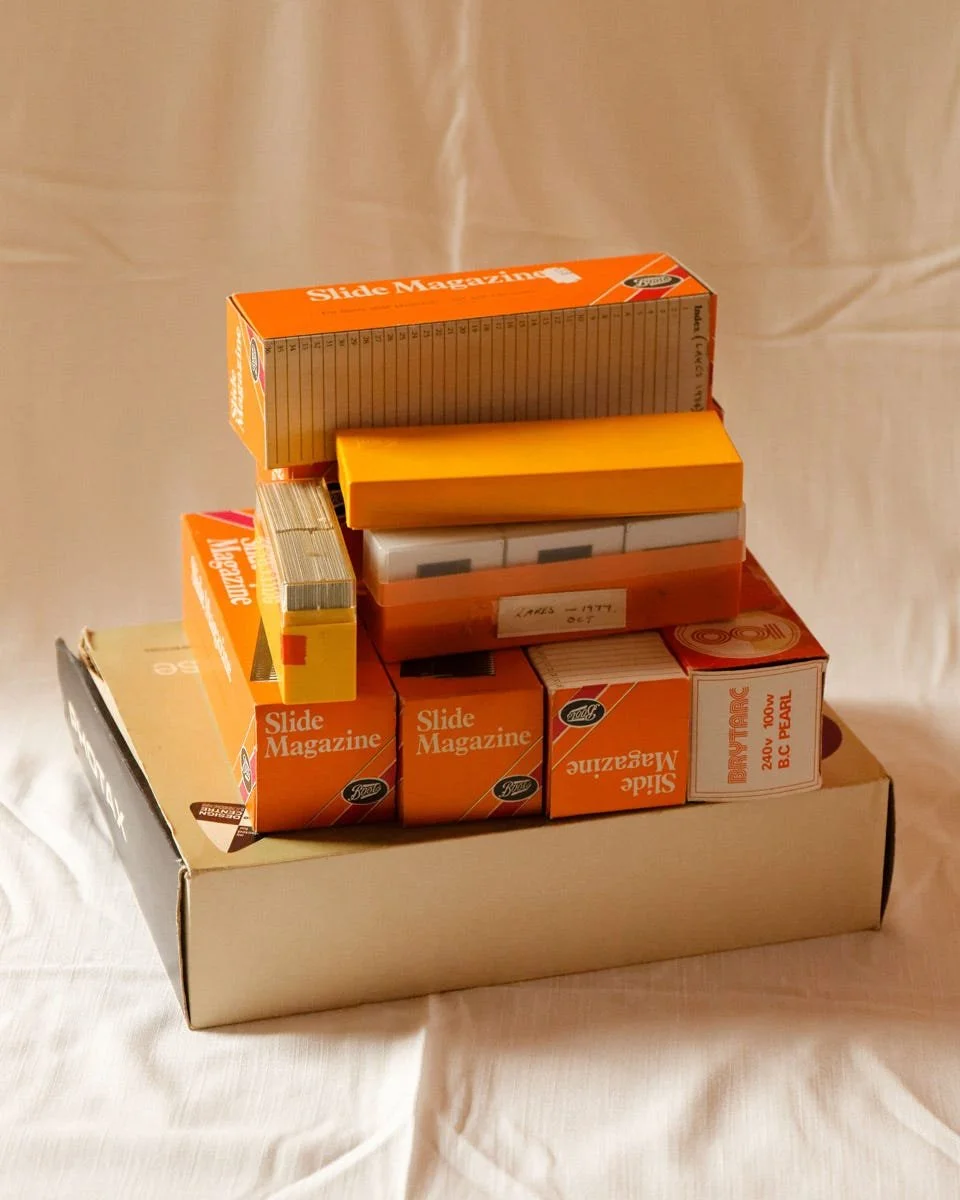
Boots slide magazines and Kodak Kodachrome boxes.
What to consider?
Who is this for?
As with all these types of projects, it is mainly for me and my family. Some of these images have not been seen since they were taken. I haven’t seen a bunch of them since the early to mid 90s when we used to casually look through them with a Boots slide magnifier (which I’ve still got but the bulb has gone in it). My four year old nephew also really enjoyed looking through the slides and seeing what’s on them with me. I like to think that this is also beneficial for him at some point to see his family background but mostly at the moment he likes to tell me what's on the slides (“that’s a red car…..that one's a baby…”).
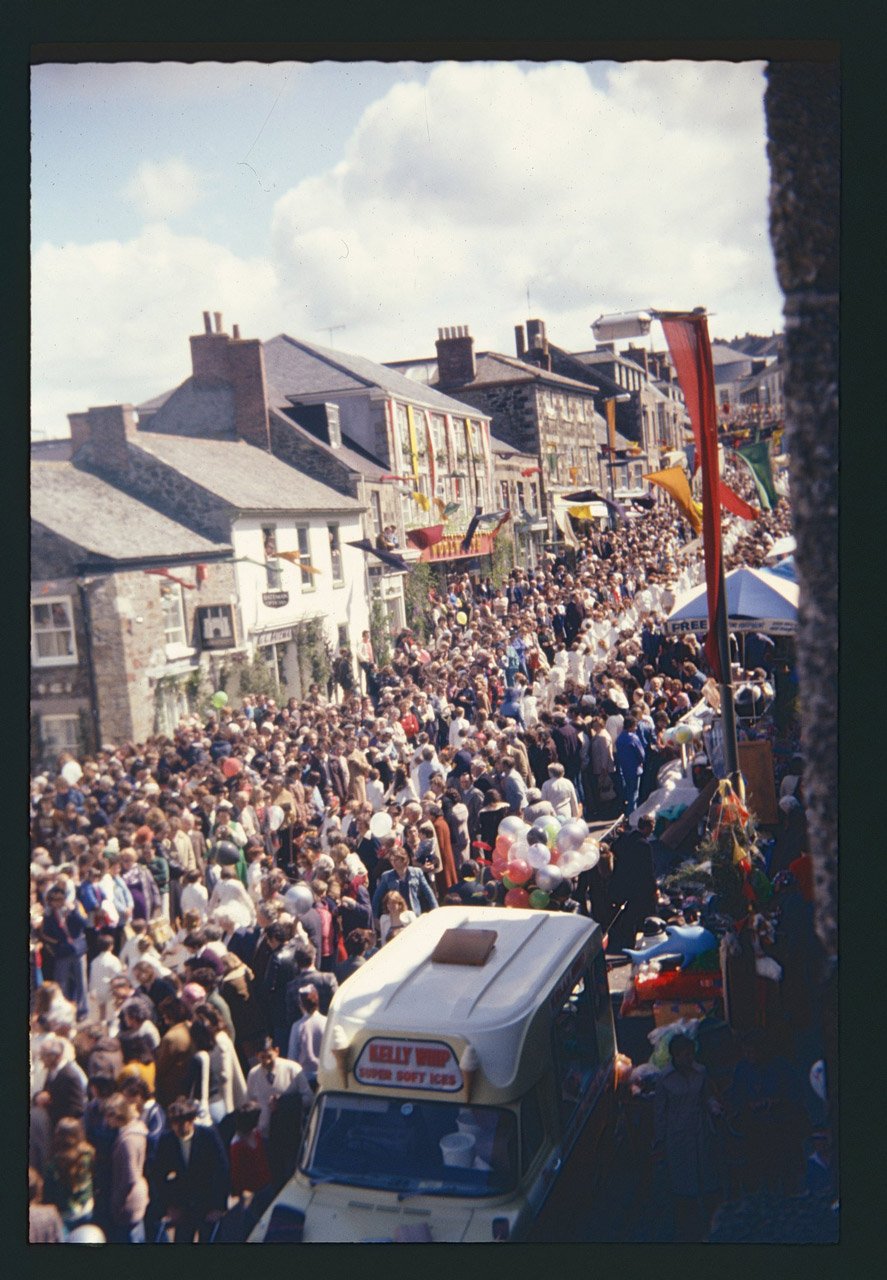
What is all of it worth to other people outside of my family? There could be some historical interest in places that feature (some National Trust properties and the Helston Flora). The worth is in the emotional attachment and historical context, there’s no real commercial value to it. Conveniently this episode of the Photographic Life came out over Christmas about photographic archives - it’s very much worth a listen if you’re thinking of doing something similar.
What to print?
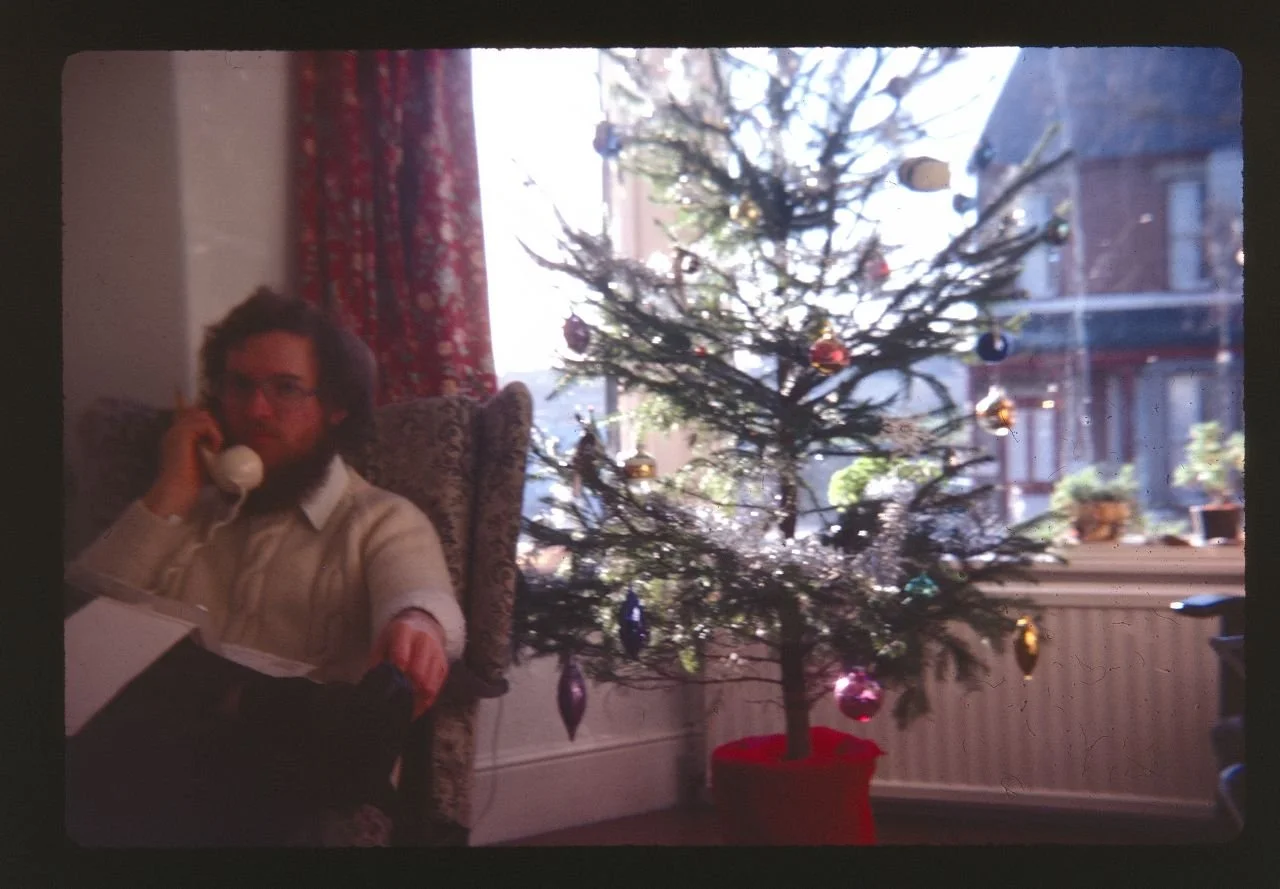
I’m not Martin Parr, I’m not going to compulsively print everything. I reckon I’ll be lucky if one in ten slides are good enough to get a nice print out of. Some will be worth a good archival print, others will be nice to just do little 6x4 prints to look at or send to relatives. Cost wise I won’t be able to do a lot BUT we do seem to have prints of a fair few already, I just need to find those duplicates in the piles of stuff we have in boxes.
How to keep the originals? How to store?
The slides will be going back in the boxes they came out of. There’s not an enormously unwieldy amount of them so it will make sense just to store them as they came - also the classic Kodak yellow boxes look nice. Some are labelled already but I’ll try and group them a bit better. One thing that came out of looking through the paper prints that my mum had and I’ve inherited is that she had a really good go at identifying people before that memory of who they were drifted away. I’ll have a good go at adding labels into the slide boxes and grouping them together. I’m not going to sit and index them individually, that would take an inordinate amount of time. I will be tagging the scanned jpegs so I’ve at least gotten some structure and inclination of who, where and what.
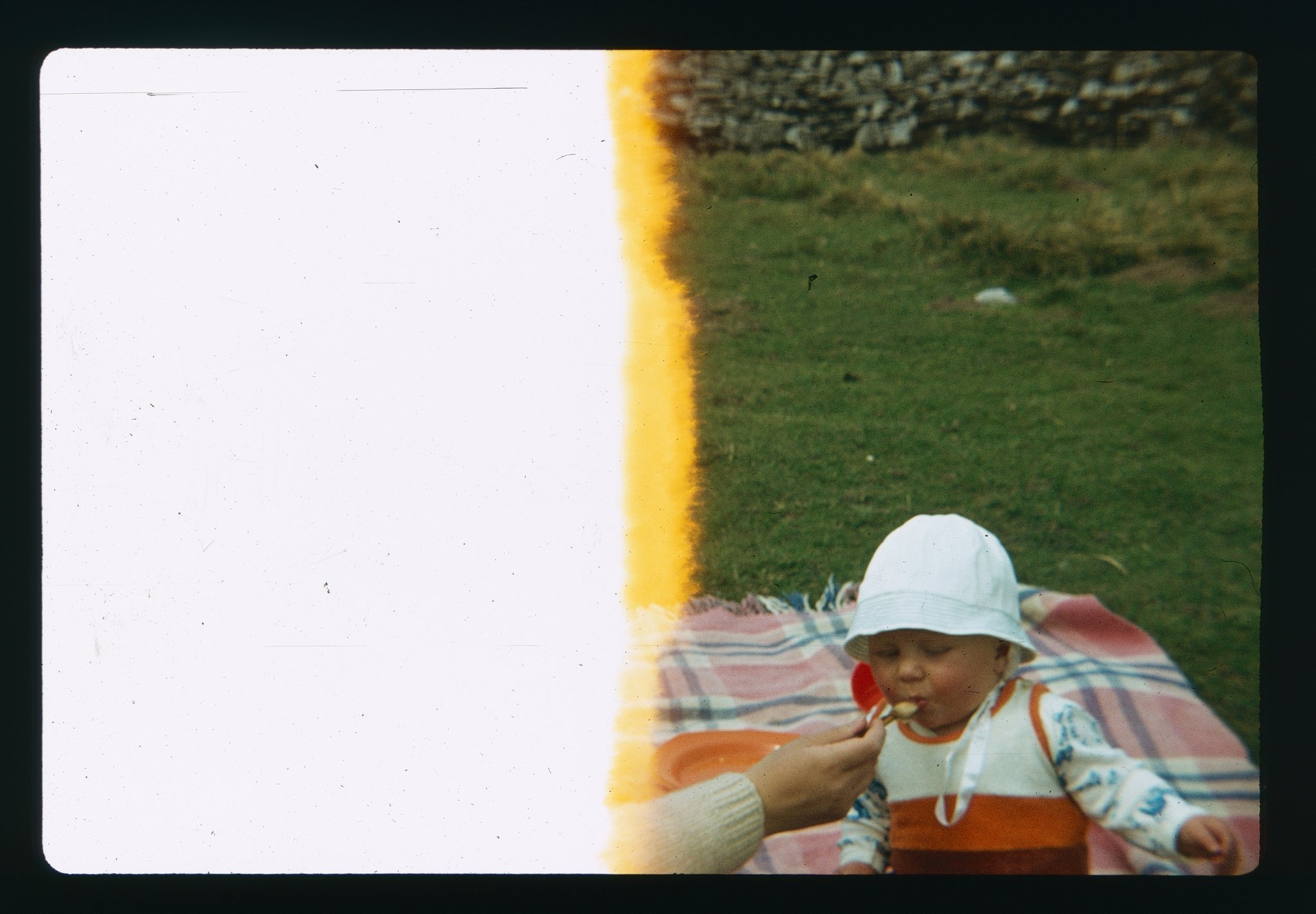
I think that blanket is still in our car.
Method / process
I’m not scanning absolutely everything. There’s a fair lump of slides that are massively under or over exposed, some are completely out of focus, some are illegible. My parents and whoever else took these were not super duper photographers considering composition or the golden ratio or Barthes punctum. Like most people they were functionally recording a moment that they could look back on, and that’s all they were intended for.
Most of these are going to be scanned in as high-ish res jpegs, just to see what I’ve got. I’m not doing anything as a high-res TIFF or DNG unless I really see something that pops out that I’d like to properly work on (there’s been maybe two or three of these so far).
I’m using the Silverfast 9 scanning software that came with the scanner (I got a Plustek 8300i SE) and it’s quite good. There’s a bit of a learning curve and there’s two modes - one dead simple mode and one really detailed and there’s not a clear process on how to do everything. The one thing that hasn’t worked ok so far is the dust and scratch removal as it has concentrated on mucky dust flecks, removed those and at the same time left some odd outlines on people’s jumpers where it has tried to correct that. I’m leaving the dust and scratches as they are for now then will go back if I want a higher quality scan that I’ll do as a TIFF or DNG then give them a clean up in Photoshop or Affinity.
As a side note, this is an interesting watch by Magnum about how they’re digitising their slide collection and how they came up with their logging system - they’re obviously dealing with a much bigger volume than most people would.
What slide scanner did I get?
I got a Plustek 8300i SE from Amazon which seems to be one of the nippier models. I got a scanner rather than setting up a stand with a camera and lightbox as it’s easier on the space. The scanner itself is about the size of a loaf of bread (think Warburtons Toastie) so doesn’t have a large footprint and sits on my desk. I can stuff it away in a box when I don’t need it (it also comes with a carry case so you can take it for walks when it gets lonely).
It also comes with two slide mounts - one for 35mm slides and another for a film strip of six. It doesn’t have the capacity for 110 film but I reckon if you’re looking to scan that then you’ve already found a good place that does it or coughed up for a large Epson flatbed scanner.
The scanner itself is pretty easy to use: you just put the slides emulsion side down in the scanner, hit scan in the software and then once that’s all done push the slide manually across for the next one. I have got a little lens brush to give the slides a quick clean. Most of them are quite clean as they’ve been tucked away for years, others can be covered in fluff and dust that’s not immediately noticeable by holding it up to the light.
NB this software doesn’t have Digital Ice which is the dust and scratch removal tech in a lot of scanning software, it has its own version called iSRD. From reading about it, they’re pretty much along the same lines. There must be some nerd who’s done a side by side test for them - that will not be me though.